Saturday, June 29, 2019

iterating with index using python

""" Dispay resistor colour code values"""
colours = [ "black", "brown", "red", "orange", "yellow",
"green", "blue", "violet", "grey","white" ]
cv = list (enumerate (colours))
for c in cv:
    print(c[0], "\t", c[1])


output:
0        black
1        brown
2        red
3        orange
4        yellow
5        green
6        blue
7        violet
8        grey
9        white

iterating through the list

mynames = [ "Sam", "Pit", "Misch" ]
for n in mynames:
    print ("HELLO ", n)


output:

HELLO  Sam
HELLO  Pit
HELLO  Misch


Example 2:

from math import *
for i in range (0, 5):
    print(i,"\t", sqrt(i))


output:

for floating point numbers use linspace and logspace from numpy! in python

""" for floating point numbers use linspace and logspace from numpy!"""
import numpy as np
r5 = np.linspace(0,2,9)
print(r5)

output:
[0.   0.25 0.5  0.75 1.   1.25 1.5  1.75 2.  ]

The syntax for linspace is
linspace ( <startvalue>, <stopvalue>, <number_of_values> )

Calculate quare root of numbers 0 to 100 in python

""" Calculate quare root of numbers 0 to 100"""
from math import *
i = 0
while i<= 100:
    print (i, "\t\t" , sqrt(i))
    i = i + 1
print("READY!")

output:
0                0.0
1                1.0
2                1.4142135623730951
3                1.7320508075688772
4                2.0
5                2.23606797749979
6                2.449489742783178
7                2.6457513110645907
8                2.8284271247461903
9                3.0

10               3.1622776601683795

.................................
.....................................
95               9.746794344808963
96               9.797958971132712
97               9.848857801796104
98               9.899494936611665
99               9.9498743710662

100              10.0

Friday, June 28, 2019

mathematical functions in python

Example1:

from math import *
print(sqrt(2))


output:
1.4142135623730951


Example2:

from math import *
diameter = 5
perimeter = 2 * pi * diameter
print(perimeter)

output:
31.41592653589793

Example 3:

from math import *
Ueff = 230
amplitude = Ueff * sqrt(2)
print(amplitude)

output:
325.2691193458119


Example 4:

""" Calculate area of a circle"""
from math import *
d = float(input("Diameter: "))
A = pi * d**2 / 4
print( "Area = ",A)

output:
Diameter: 2.5
Area =  4.908738521234052

list in python

a = [2, " Jack", 45, "23 Wentworth Ave"]
print(a)


output:
[2, ' Jack', 45, '23 Wentworth Ave']

nested for loop in python

for n in range (2, 10):
    for x in range (2, n):
        if n % x == 0:
            print(n, "equals ", x, "*", n/x)
            break
    else:
        # loop fell through without finding a factor
        print(n, "is a prime number ")

output:

2 is a prime number
3 is a prime number
4 equals  2 * 2.0
5 is a prime number
6 equals  2 * 3.0
7 is a prime number
8 equals  2 * 4.0
9 equals  3 * 3.0

for and else loops in python

for n in [10 ,9 ,8 ,7 ,6 ,5 ,4 ,3 ,2 ,1]:
    print (n)
else:
    print(" blastoff")

output:
10
9
8
7
6
5
4
3
2
1
 blastoff

while loop in python

n = 0
while n < 10:
    print(n)
    n = n + 3


output:

0
3
6
9


while True:
    print("Hello")

output :
helloworld

prints continuously

Thursday, June 27, 2019

if else and elif loops in python

# Import the modules
import sys
import random

ans = True

while ans:
    question = raw_input("Ask the magic 8 ball a question: (press enter to quit) ")
   
    answers = random.randint(1,8)
   
    if question == "":
        sys.exit()
   
    elif answers == 1:
        print("It is certain")
   
    elif answers == 2:
        print ("Outlook good")
   
    elif answers == 3:
        print ("You may rely on it")
   
    elif answers == 4:
        print ("Ask again later")
   
    elif answers == 5:
        print ("Concentrate and ask again")
   
    elif answers == 6:
        print( "Reply hazy, try again")
   
    elif answers == 7:
        print("My reply is no")
   
    elif answers == 8:
        print( "My sources say no")

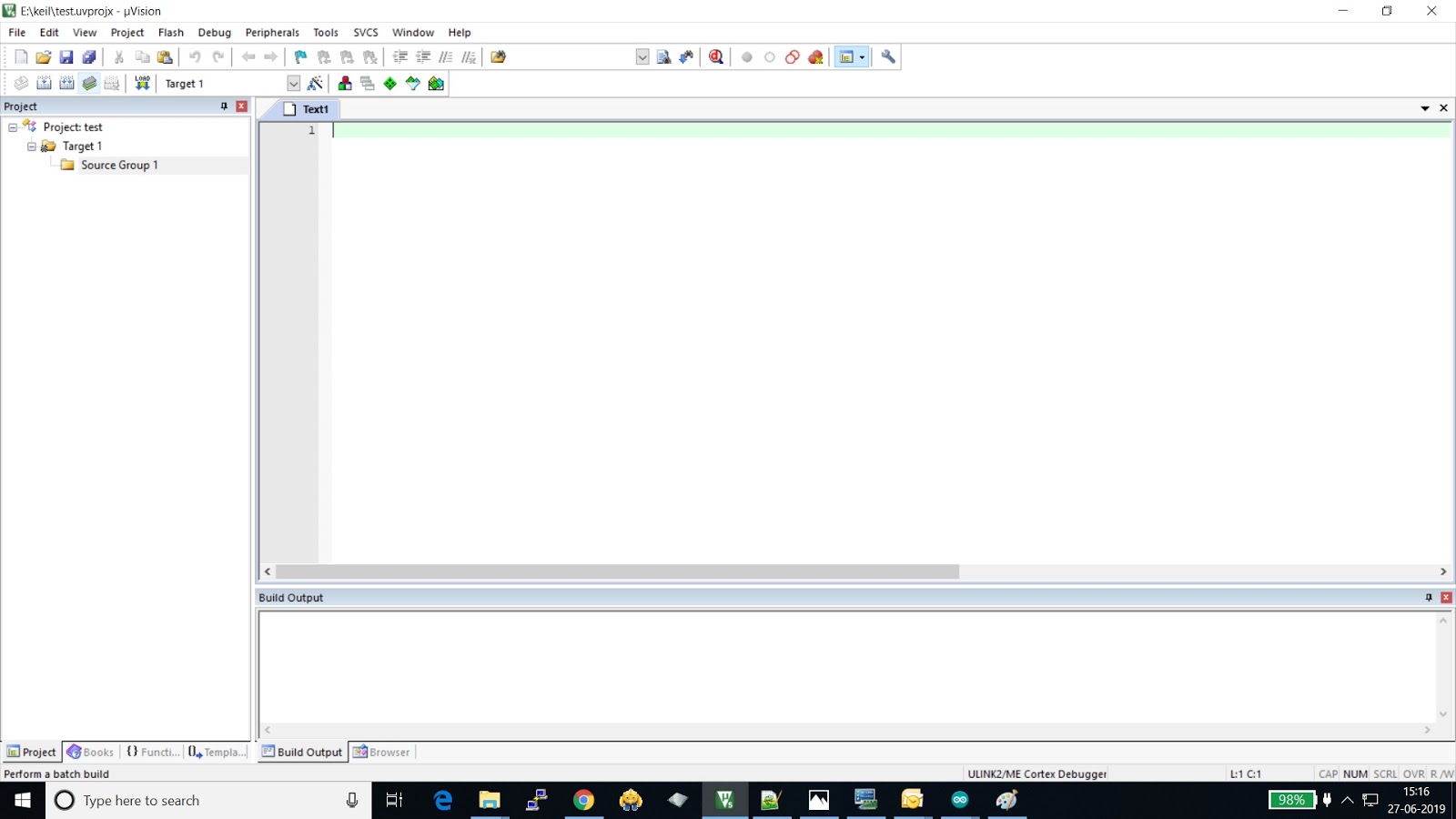
keil software ..how to start coding using keil software and stm32f103C8T6

1.install the  keil software first and run the program.
2.in projects tab select the new keil project
refer below images


write your code in text editor then click on build and compiler after compltion then click 
on the load ..
after clicking on the load code will automatically uploads.

python class topic video